Invoicing and payments
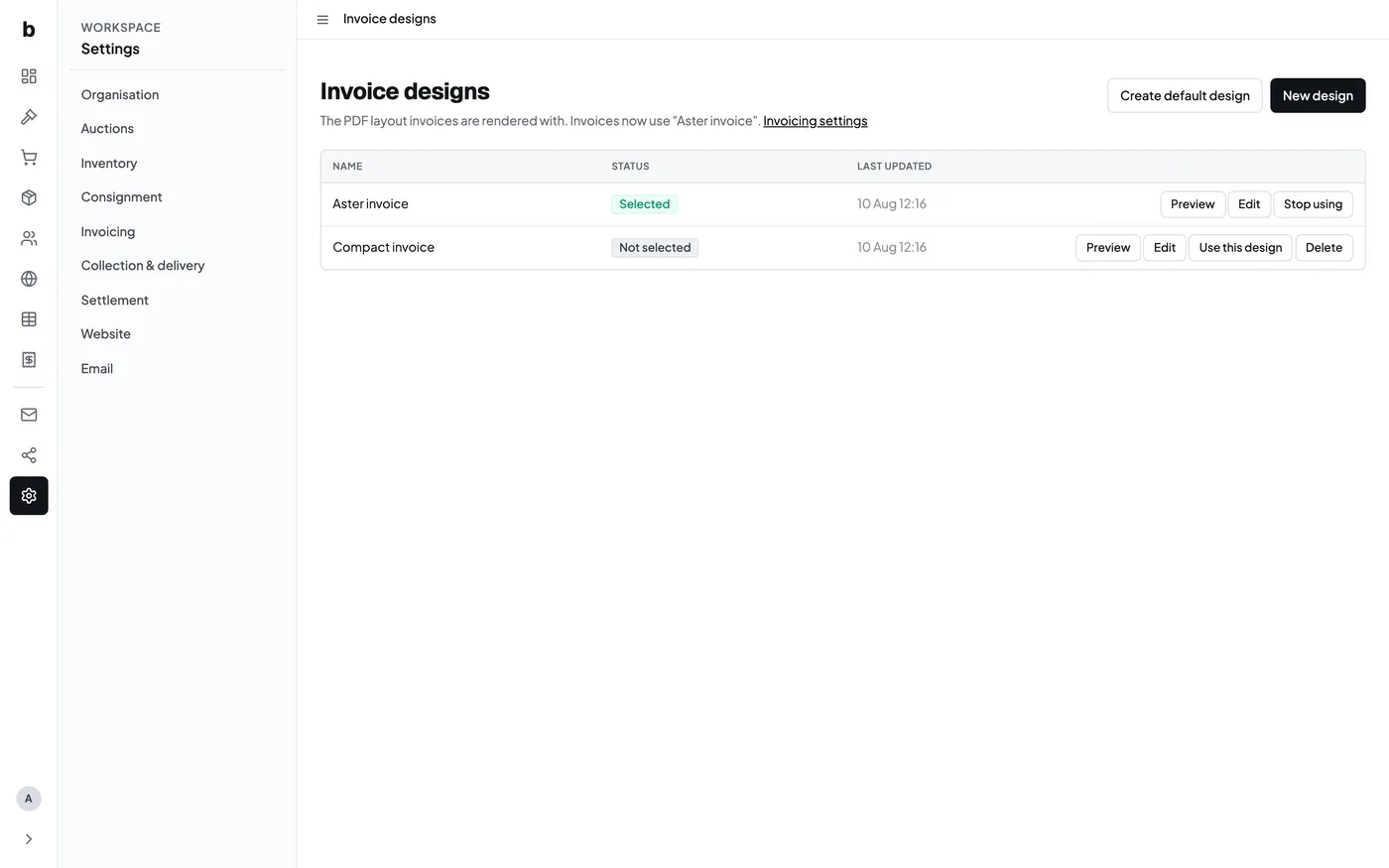
After the sale, a buyer invoice brings the purchased lots, buyer’s premium, VAT and any additional invoice lines together. Your team can review the invoice before sending it and record payments against it.
Custom invoice designs
Invoice designs control the layout of the PDF. You can keep more than one design, select the one in use and preview changes against demonstration invoice data before using it for a buyer.
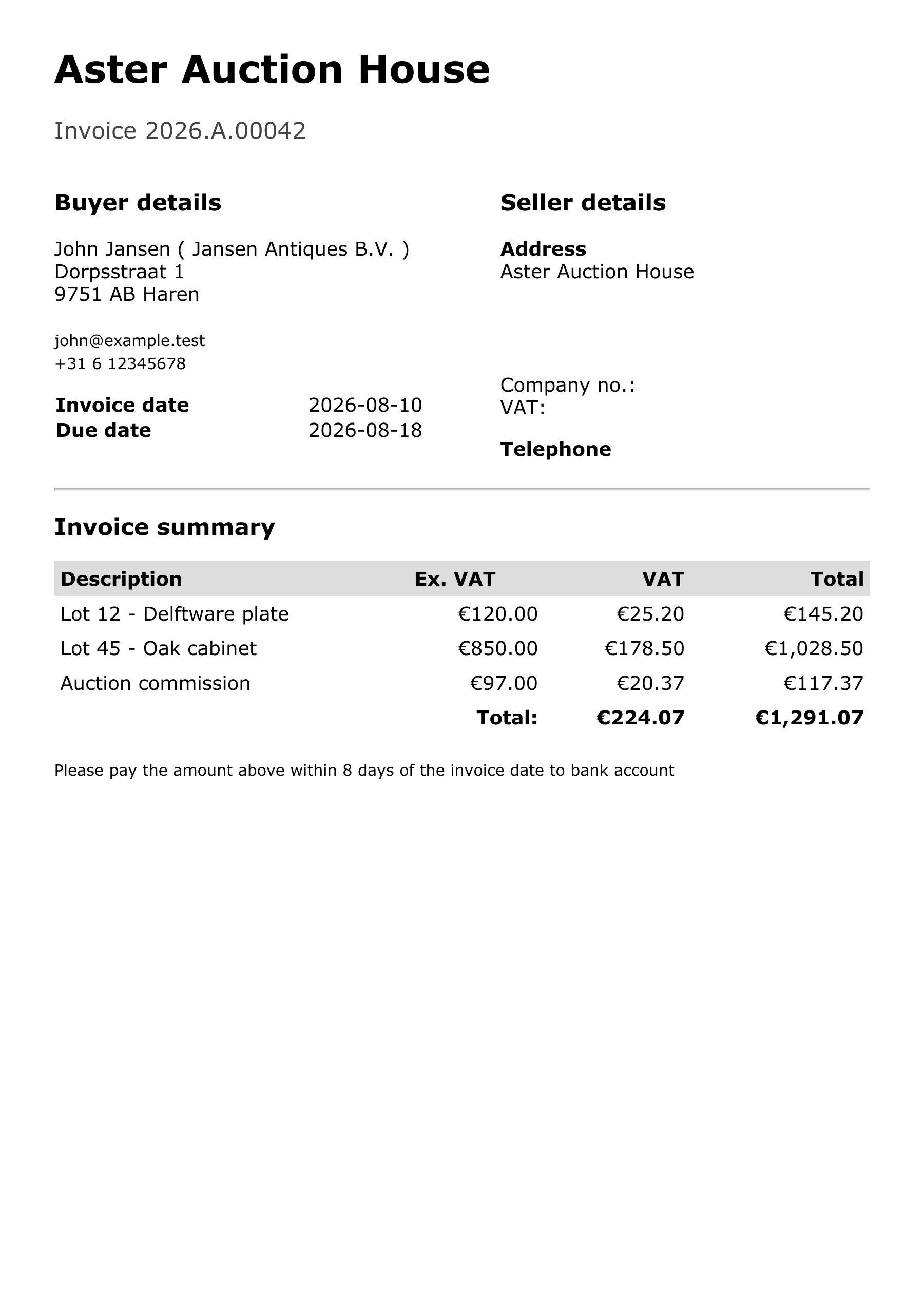
The preview uses sample buyer and lot data, so a new auction house can check the finished document before its first sale.
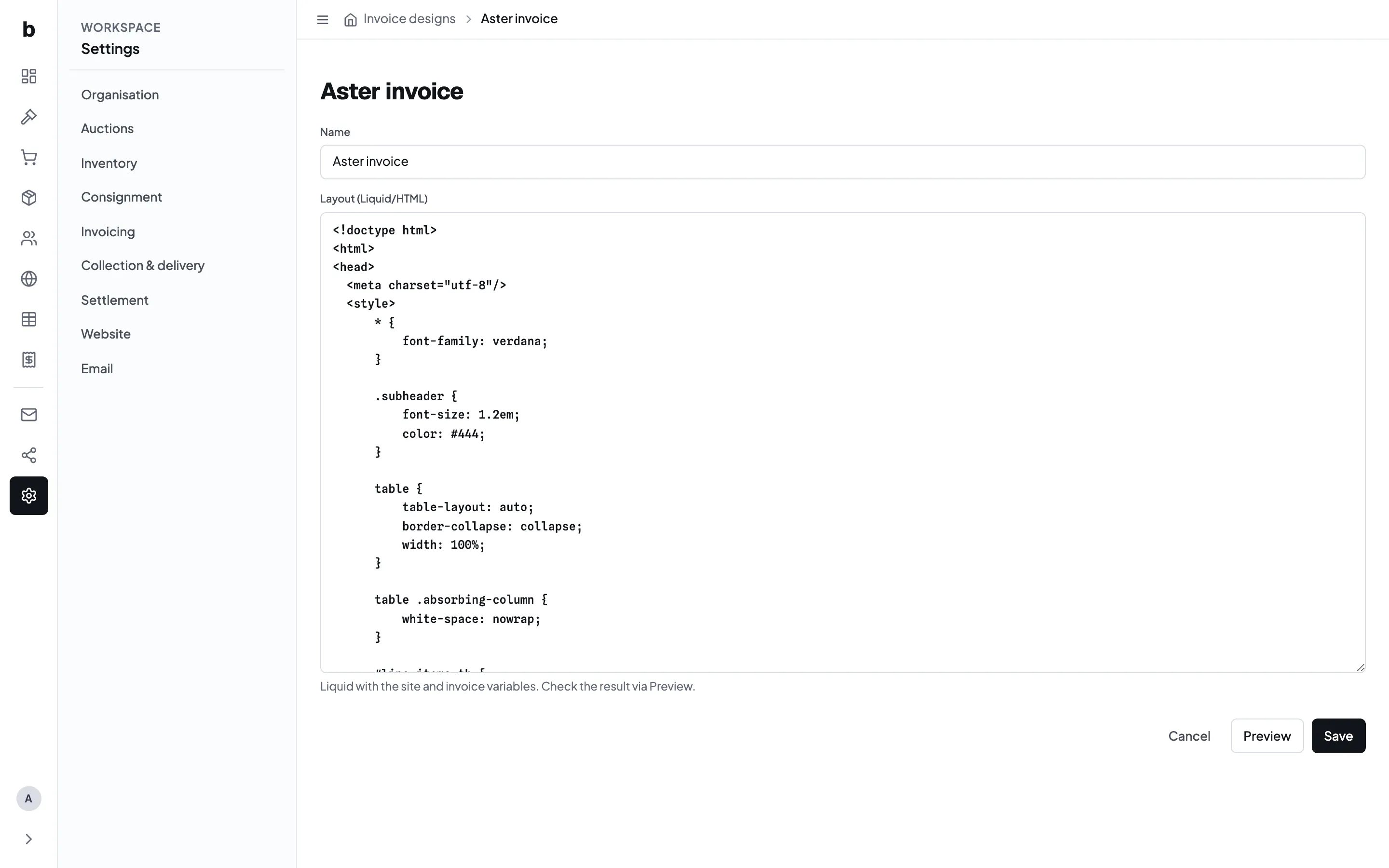
The design is an HTML and Liquid template. This makes the document adaptable to the auction house’s logo, address, wording and preferred information hierarchy. If custom layouts are switched off, Bidvise uses the built-in invoice.
What the invoice contains
The invoice records the buyer, invoice and due dates, purchased lots, charges, VAT and total. Keep the buyer’s premium separate from the hammer price so the document explains how the amount was formed.
Additional fixed charges can be prepared as invoice templates and added when needed. Review unusual fees before sending the invoice.
Payment methods
Online checkout is currently connected through Mollie. The backoffice can also record bank transfer, card-terminal and cash payments. Bidvise records the payment against the invoice; the auction house remains responsible for receiving and reconciling the money.
After payment
The invoice shows its payment state, giving the team a common reference when arranging collection or answering a buyer. Corrections should begin from the invoice and its recorded lines, rather than from a separate spreadsheet.