Settings
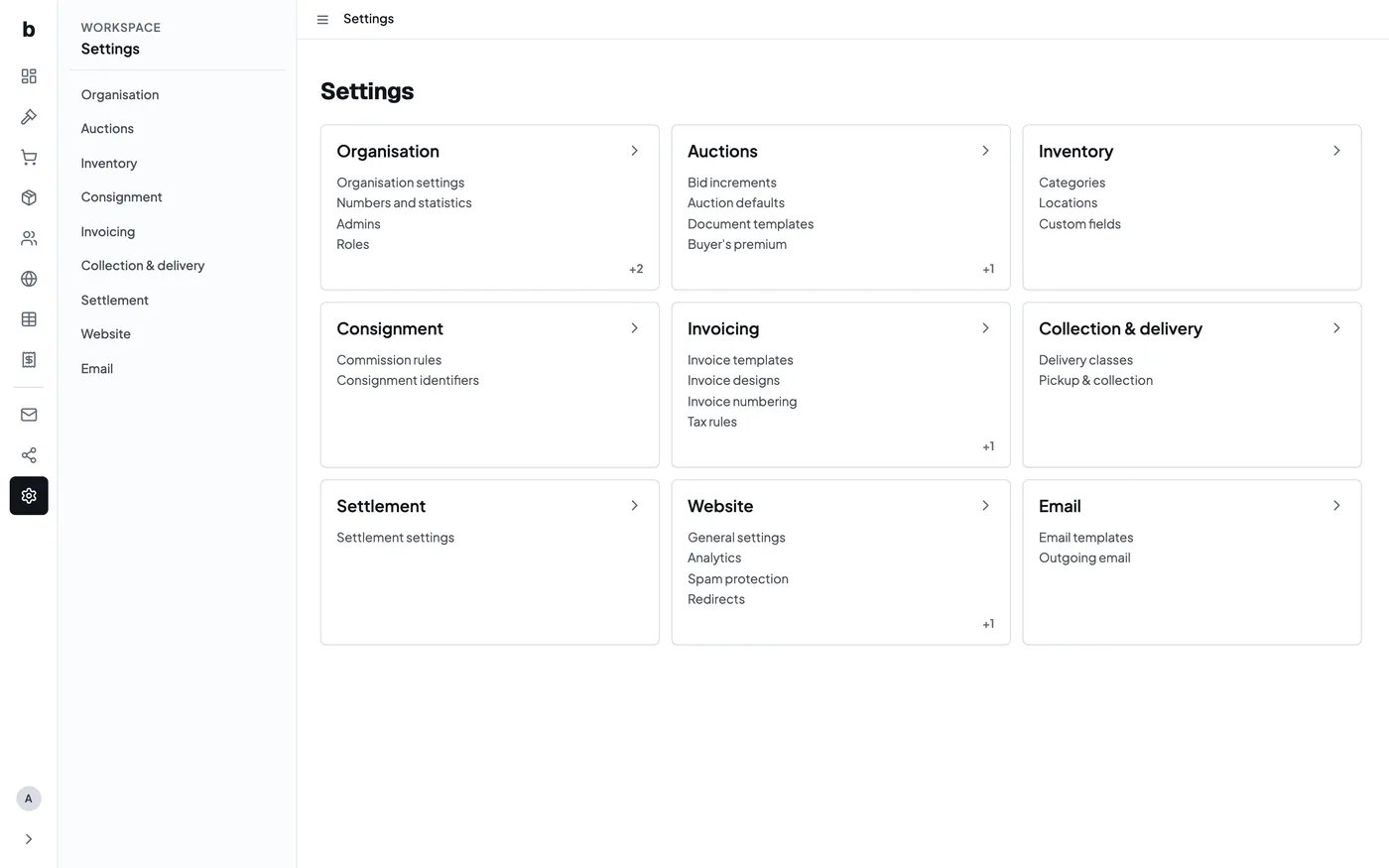
Settings holds the defaults and access controls for one Bidvise workspace. The first page shows every settings group together. The left rail keeps the same groups within reach after you open one.
Open a section to see the settings pages that belong to it. Each setting has its own page, so changing an auction default does not require working through one large form.
Useful launch pages
- Auction settings covers buyer’s premium, proxy bidding, lot numbers and timed-auction defaults.
- Bid increments controls the permitted steps between bid amounts.
- Commission rules records seller-side rates and per-item fees.
- Roles and permissions controls what each administrator may read or change.
Invoice designs and numbering sit under Invoicing. Website settings include analytics, spam protection, redirects and translations. Organisation settings include team members, roles and API keys.
Treat defaults as the starting point for new work. Check the auction or agreement itself when an exception should apply.