Consignments
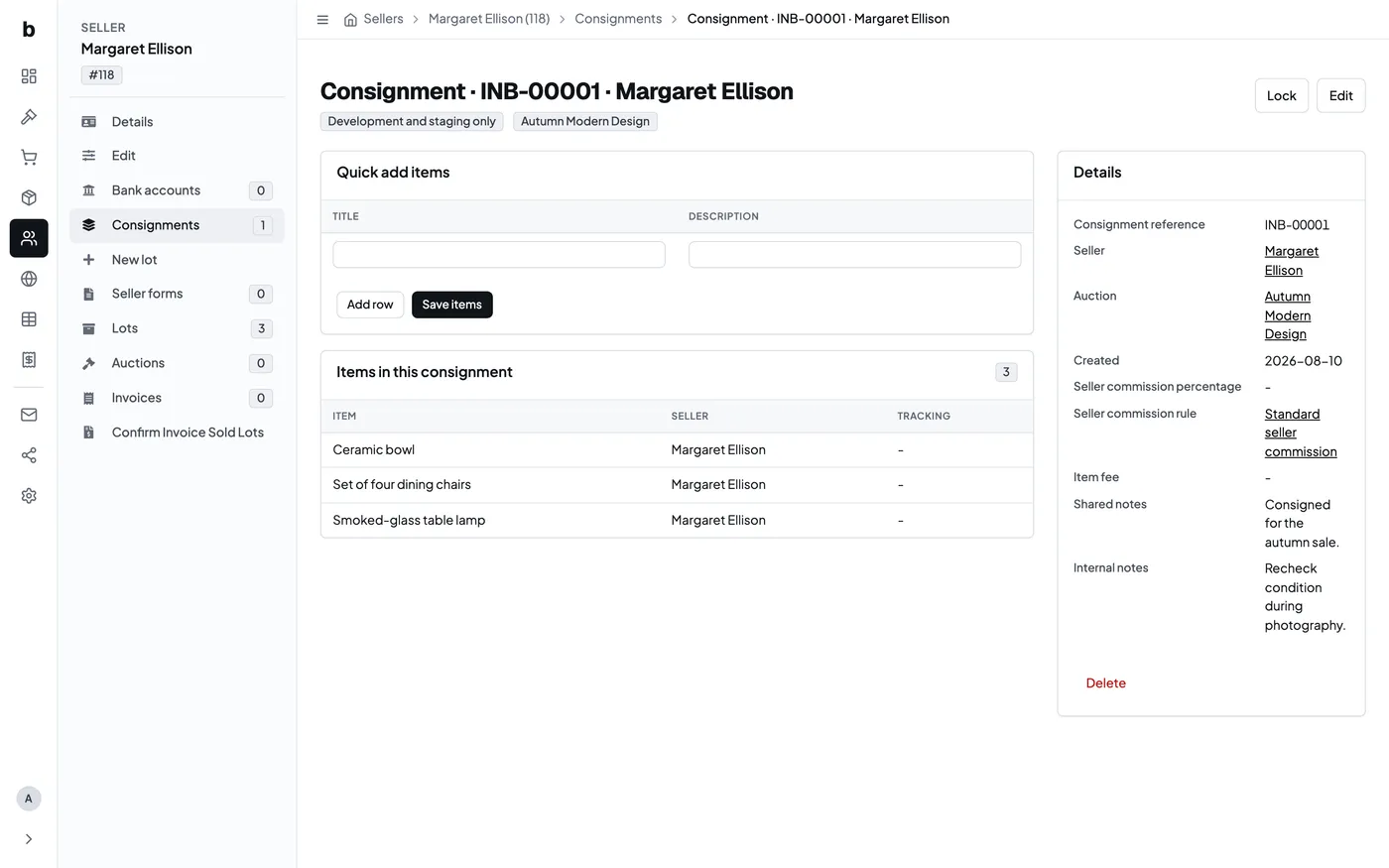
A consignment records the agreement under which an auction house accepts goods from a consignor. Create it before adding the items so the ownership and commercial terms are clear from intake onward.
Choose the consignor and auction
Select the consignor profile and, when known, the auction the goods are intended for. The consignment receives its own reference. That reference gives the team a stable way to find the agreement and its items.
An auction is optional at intake. This is useful when goods arrive before the team has decided which sale they belong in.
Record the commission terms
Use either a commission percentage or an existing commission rule. A consignment can also carry an item-fee override when the agreement requires one.
Keep notes for the consignor separate from internal notes. Shared notes may be appropriate for paperwork or later communication; internal notes are for the auction team.
Add the items
After saving the consignment, add several accepted items in the quick-entry table. Paste or type titles and descriptions as rows, then continue with photographs and the rest of the catalogue information on each item. Those items remain connected to the consignor when they become lots in an auction session.
Check the agreed terms before the sale. A correction made at intake is easier to explain than a correction made after the hammer.